
CV example:
When creating my CV I used the spelling and grammar readability checker in Word to make sure the score was above 60% before copy and pasting text into Indesign.

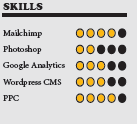
I made sure to tell the truth in all included content and made a reasonable estimation of my skills to translate into a graphical representation.
Blog post Example
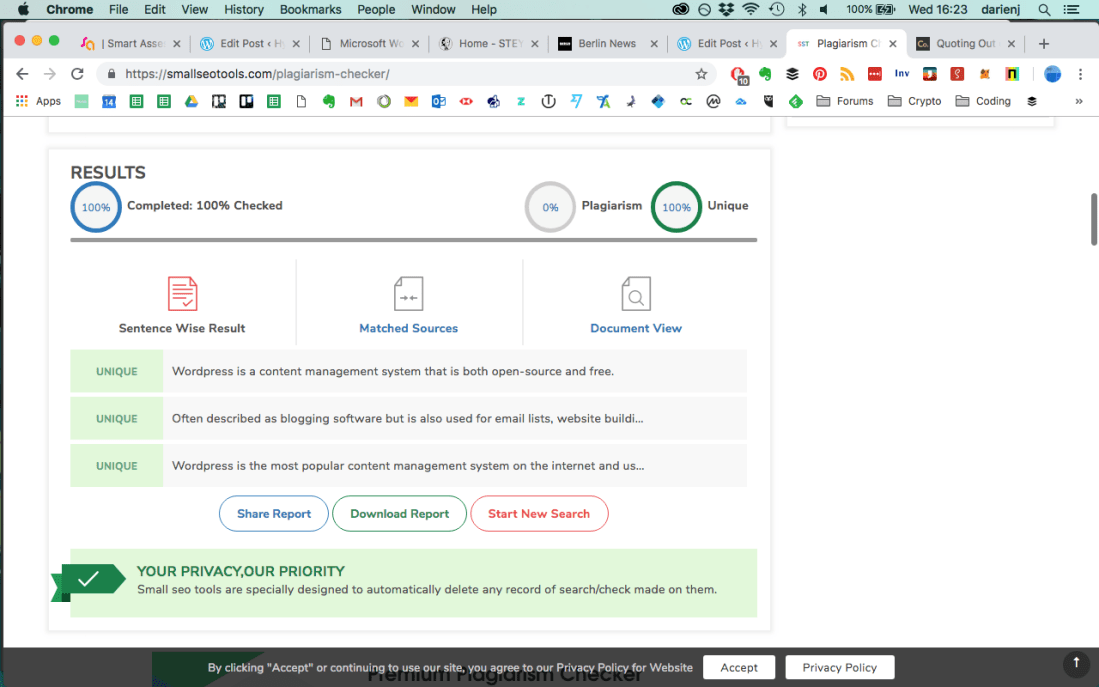
When writing the Digital Technologies blog post I used a free online plagiarism checker to make sure there was no unintentional plagiarism.

The results show that all sentences were unique for this paragraph of text.
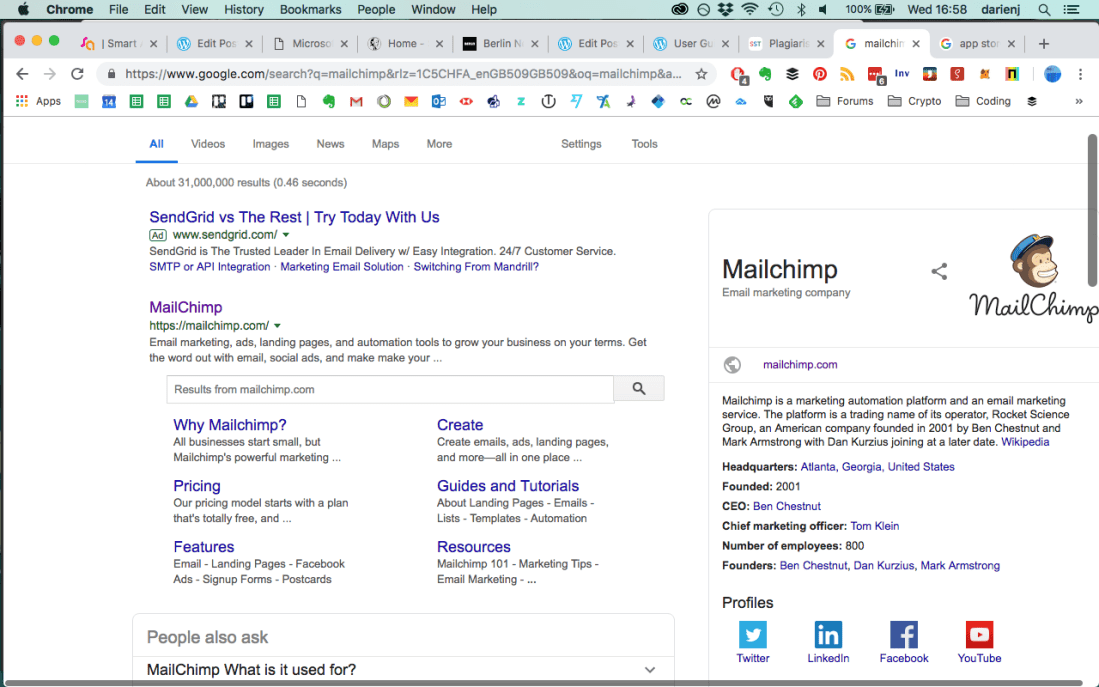
When writing about examples of digital technology companies I used information from Wikipedia and due to its editable nature would confirm data with their official websites to ensure the source of information was reliable.
App description
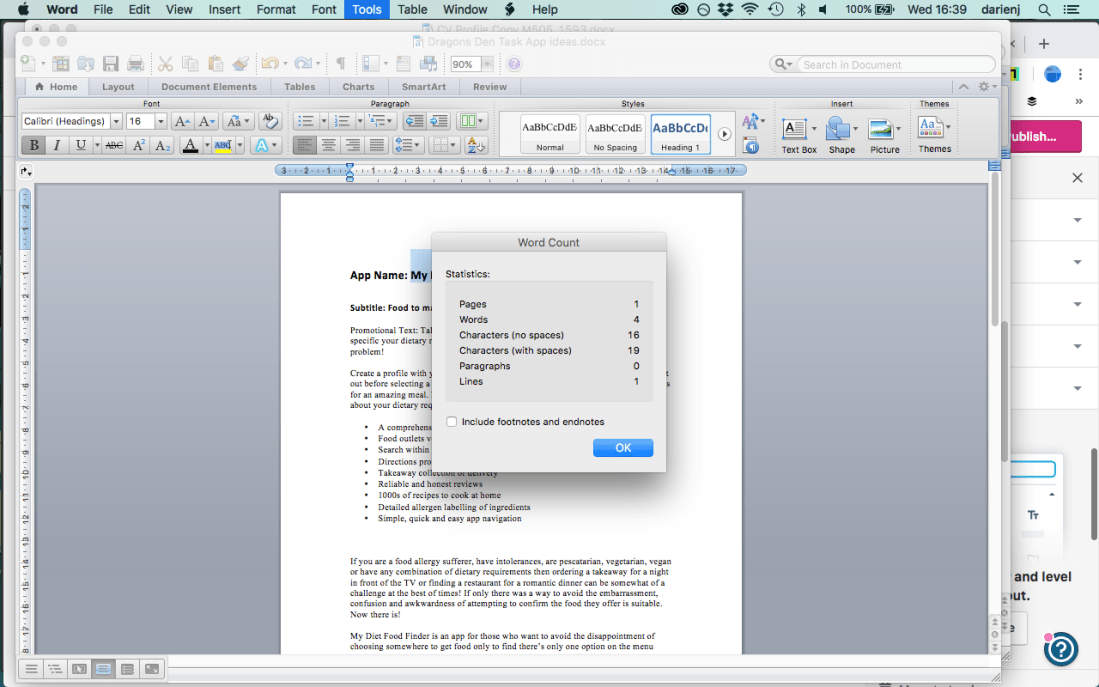
For the description of my app idea My Diet Food Finder I made sure to base my idea on existing technologies so my claims for its features were as accurate as possible. I followed the app store guidelines to make sure that the text was compliant. I used the word count feature in Word to keep the character count within the guidelines. In the screenshot you can see the title was within the 30 character limit.
Online review
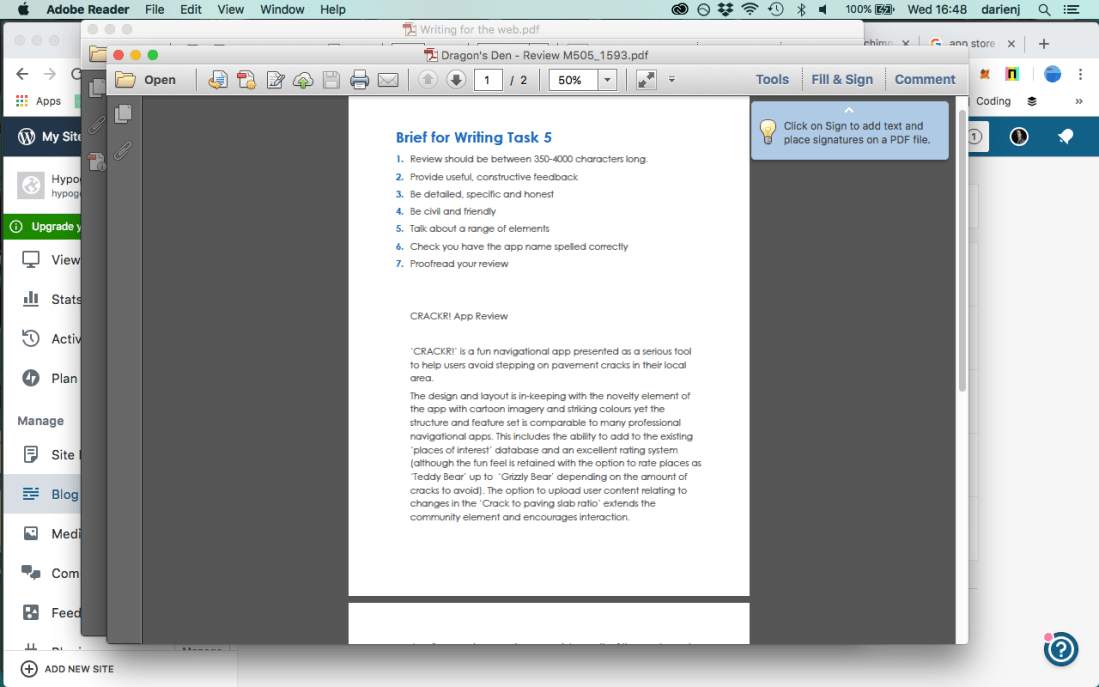
When writing my review for the CRACKR! app I made sure that any claims regarding it’s features were accurate and true to ensure there was no danger of libel or slander. My criticism was constructive, no names or personal details were used to avoid any privacy issues and by following the brief I was able to ensure the content was detailed, specific and honest.
Images
When using images in my blog posts I followed the WordPress guidelines so any images used were in a fair use context.

In my Converging Technology blog post I used images of the company logos in my examples and although I didn’t seek permission for their use it was in an educational context and can therefore be classed as fair use.
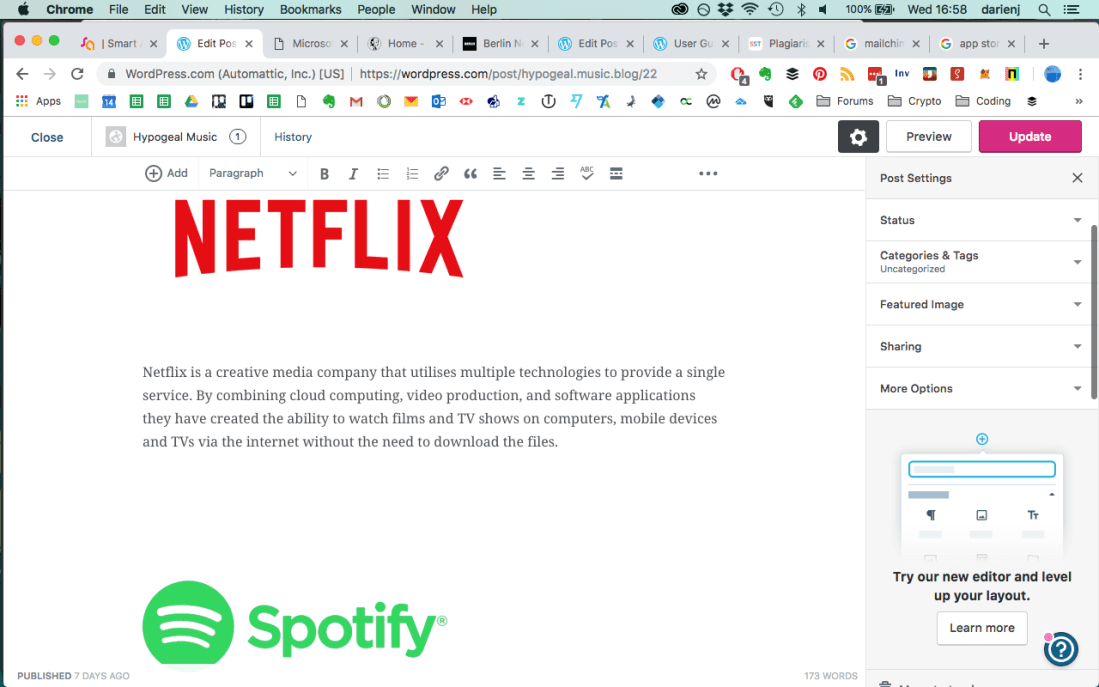
I also used alt text for my images in my Digital Technology blog post which adds an attribute to the image in HTML code. This helps search engines to categorise images and will also replace the image with text should it fail to show.

Here is the same image alt text as it appears in HTML code.

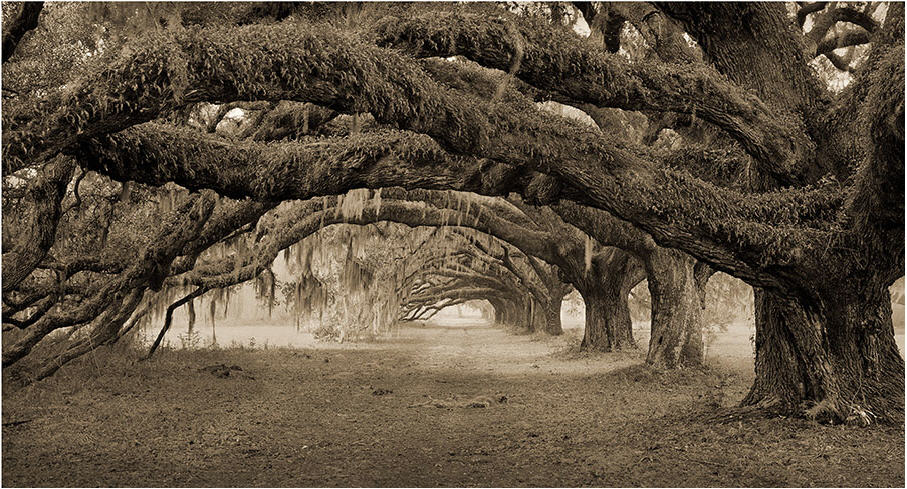
There are other legal considerations when using images. other than copyright. Images taken while trespassing can lead to prosecution, not for the image itself but that t was taken while on someone else’s land without permission. This image of trees on the Dixie Plantation was taken by Benjamin Ham even though there was a no trespassing sign and ended up in court as the picture was made available for sale. The case was settled out of court.
 Hypogeal Music